Check out our other flagship product — SIM-ON for building management and IoT control.
Read more
Check out SIM-ON
Read more
STAGES by SIMLAB logo
Support Center
|
First steps

First steps

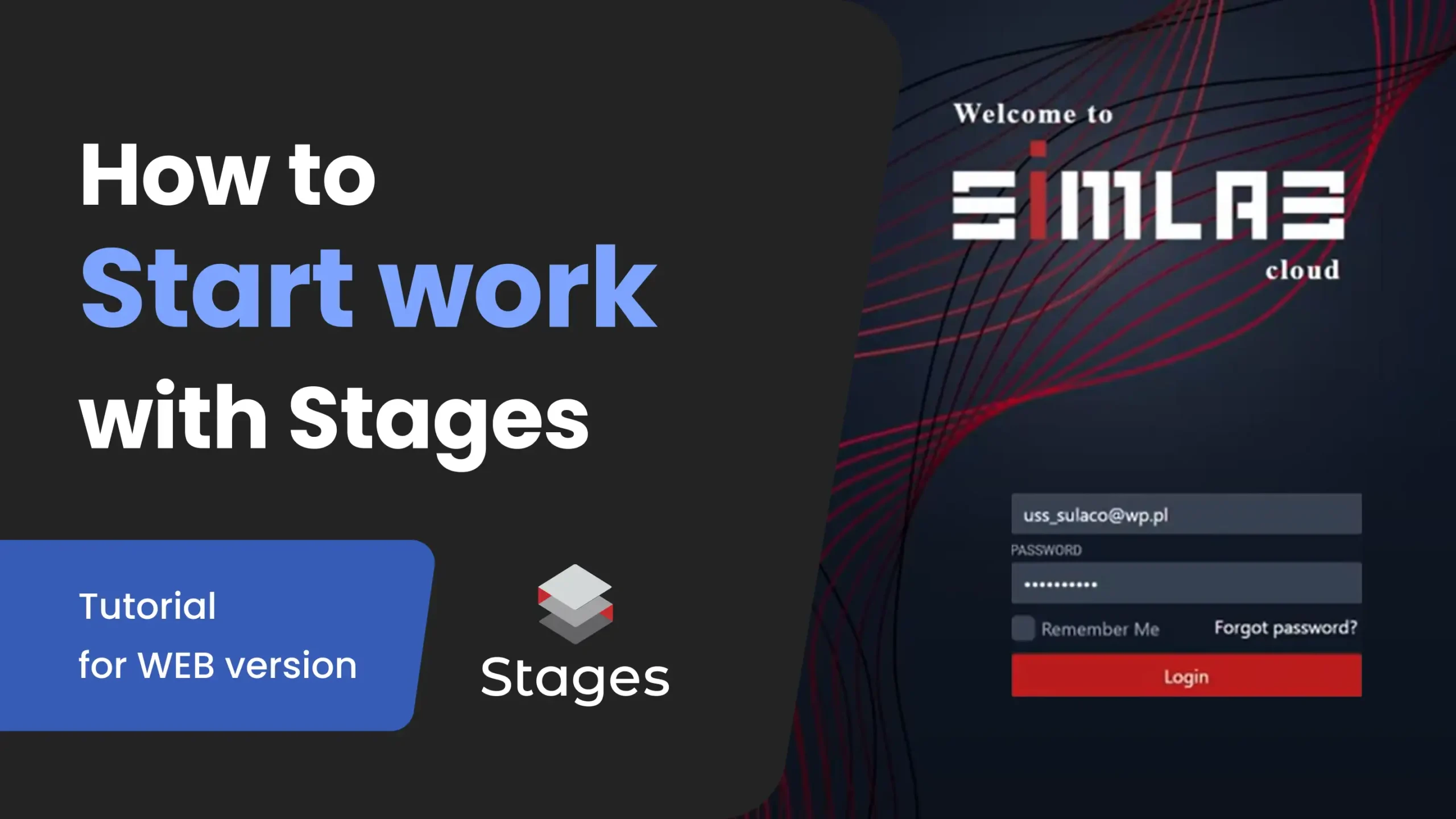
Start working with SIM-STAGES in minutes. Log in to SIMLAB Cloud, set up your workspace, and begin managing projects and 3D stages.

How to start work with STAGES

As a new user in STAGES, your first steps include creating an account and familiarizing yourself with the web interface to access project tools and features. Once logged in, you can begin by exploring the dashboard. Create your first organization, start building your initial project with scan synchronization, and begin construction data sharing.
Learn more
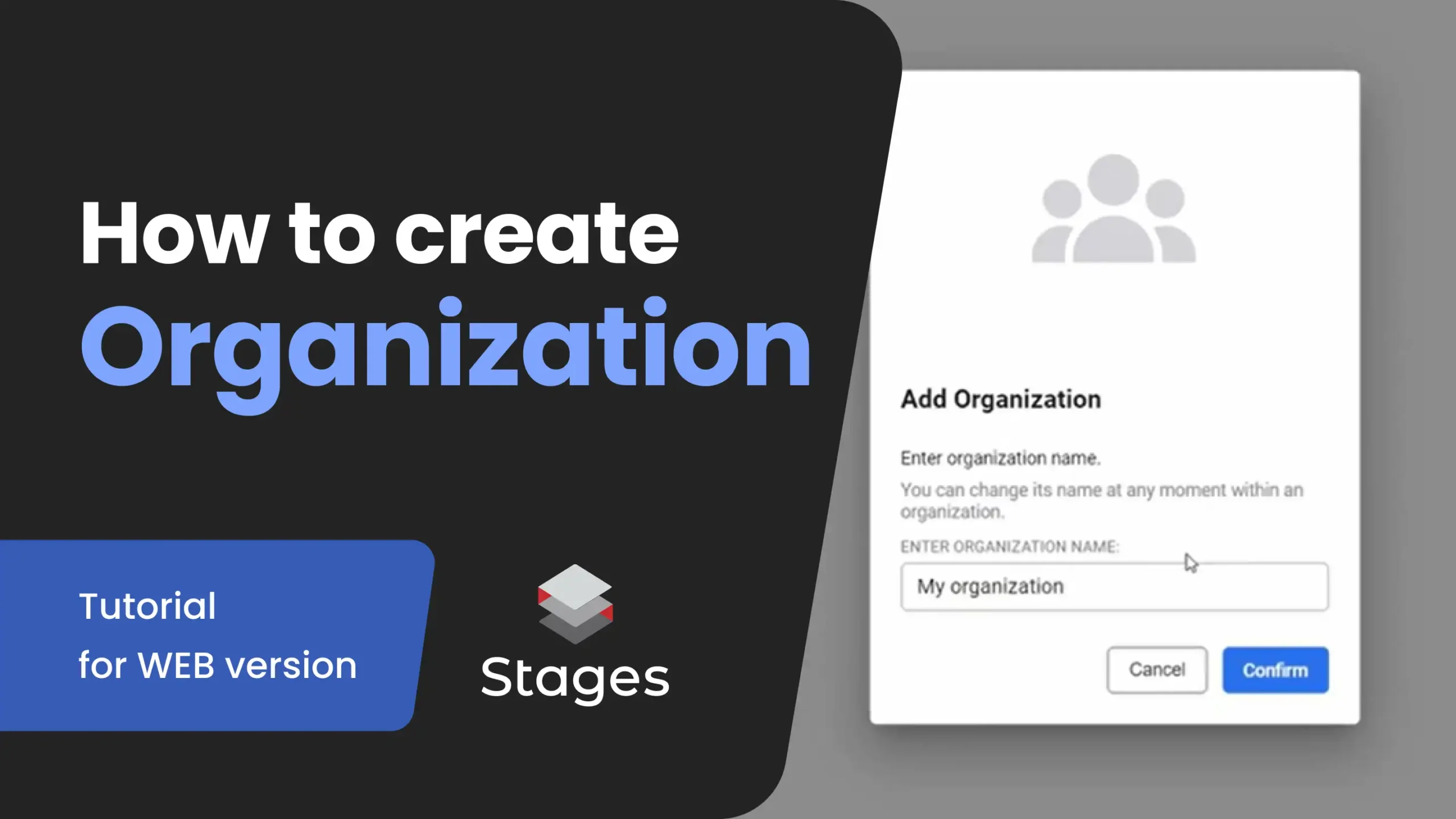
Set up your SIM-STAGES organization in the web app. Create an organization, name it, and start managing users, roles, and projects from one place.

How to create an organization

To get started with STAGES, setting up your organization is the first step in creating a structured environment for managing your construction or renovation projects. This foundational setup allows you to define roles, assign permissions, and organize all upcoming projects under one cohesive digital workspace​.
Learn more
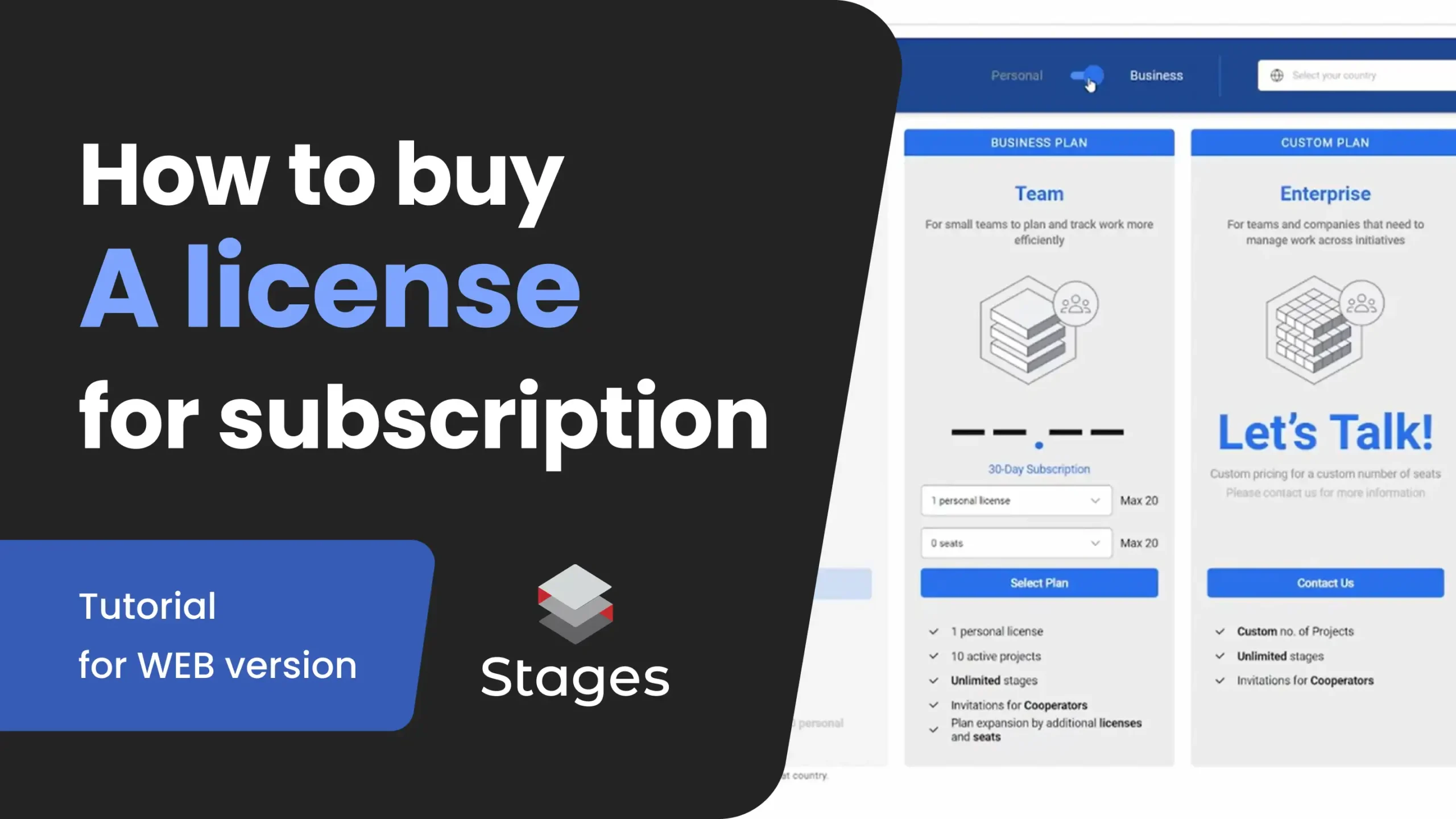
Learn how to purchase a SIM-STAGES subscription in the web app. Choose a plan, set licenses and seats, and complete checkout in a few steps.

How to buy a license

Purchasing a STAGES license unlocks access to a powerful set of features for construction monitoring, facility documentation, and collaborative communication. Whether you're an individual professional, a small team, or a large enterprise, SIMLAB offers flexible licensing to fit your project scope and budget.
Learn more
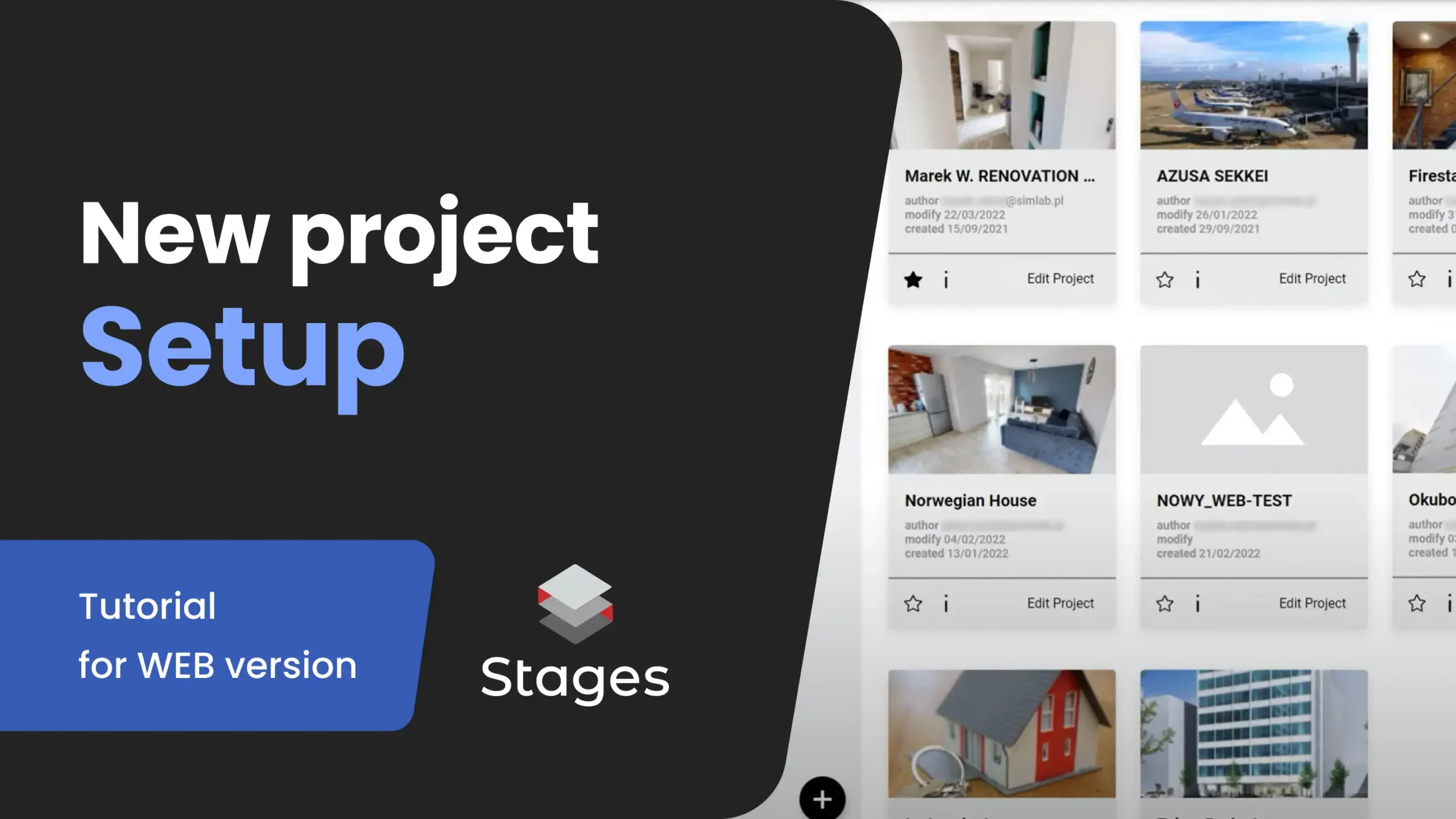
Learn how to create and configure a new project in SIM-STAGES Web. Organize your workspace, invite the right people, and start working with 3D stages.

New project setup

Purchasing a STAGES license unlocks access to a powerful set of features for construction monitoring, facility documentation, and collaborative communication. Whether you're an individual professional, a small team, or a large enterprise, SIMLAB offers flexible licensing to fit your project scope and budget.
Learn more
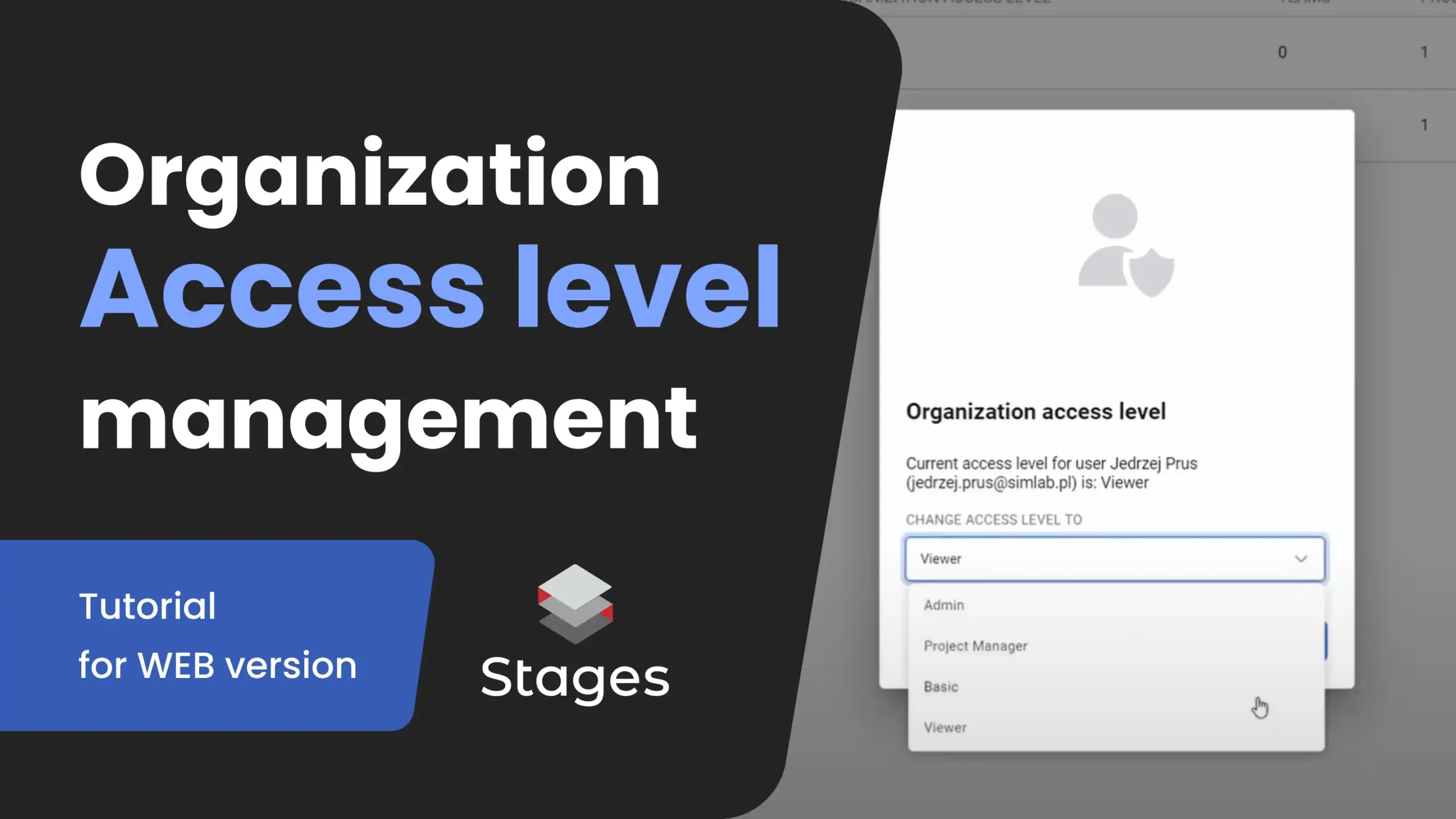
Learn how to manage organization roles in SIM-STAGES. Set access levels like Admin, Project Manager, Basic, or Viewer and control permissions in the web app.

Management of roles & permissions

Learn how to manage roles and permissions in STAGES with this step-by-step tutorial. Assign user roles, control access levels, and enhance collaboration within your digital twin projects. Perfect for AEC professionals looking to streamline project management and security.
Learn more
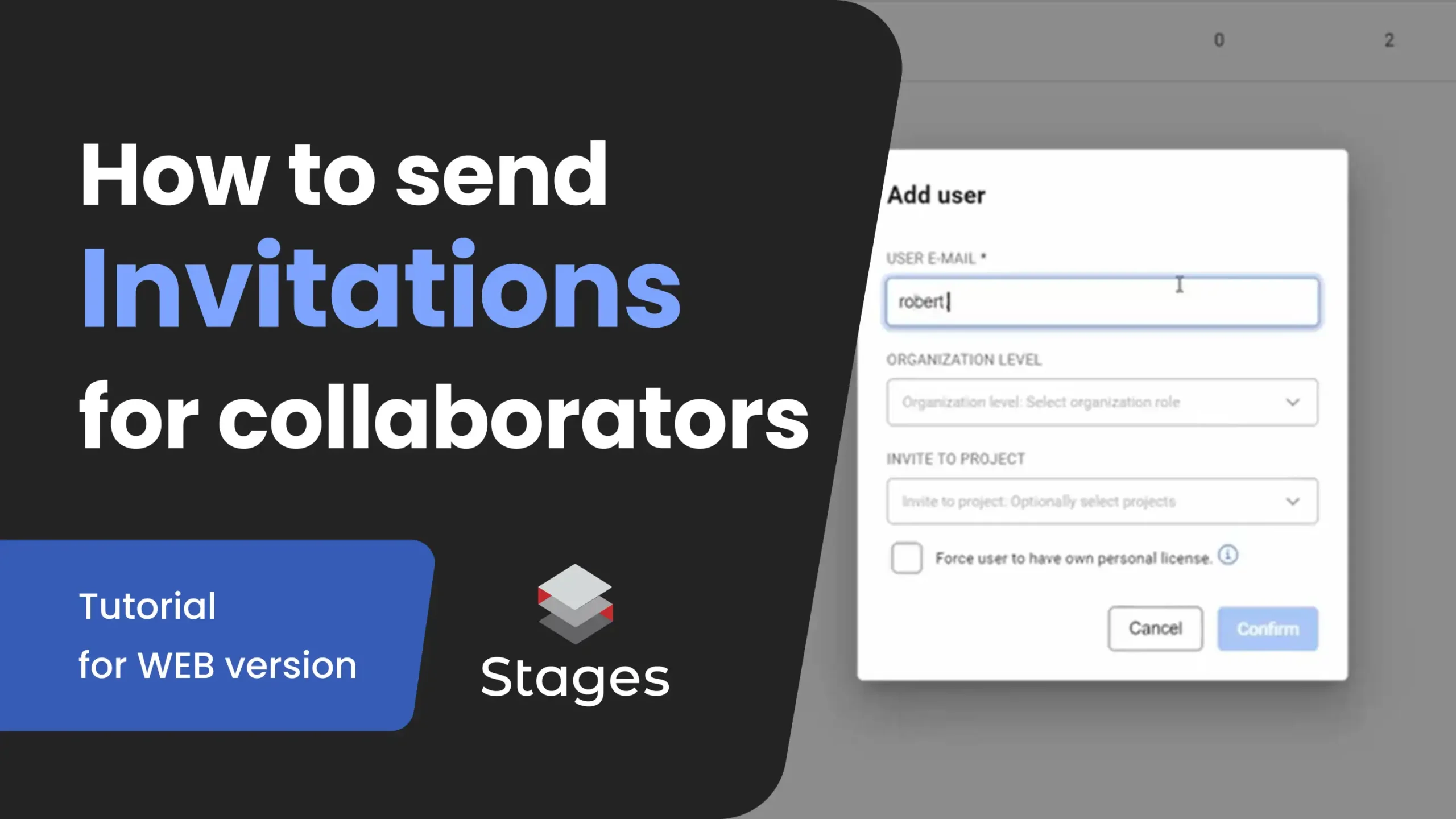
Learn how to invite collaborators to your SIM-STAGES organization and projects. Add users, set roles, and control access in the web app.

How to send invitation

Learn how to send invitations in STAGES with this step-by-step tutorial. Discover how to invite team members, set permissions, and streamline collaboration within your digital twin environment. Perfect for AEC professionals looking to enhance project communication and efficiency.
Learn more

Contact us

Request personalized demo, get more pricing details or Ask us a question about a product or the terms of collaboration.
cross